Appearance settings
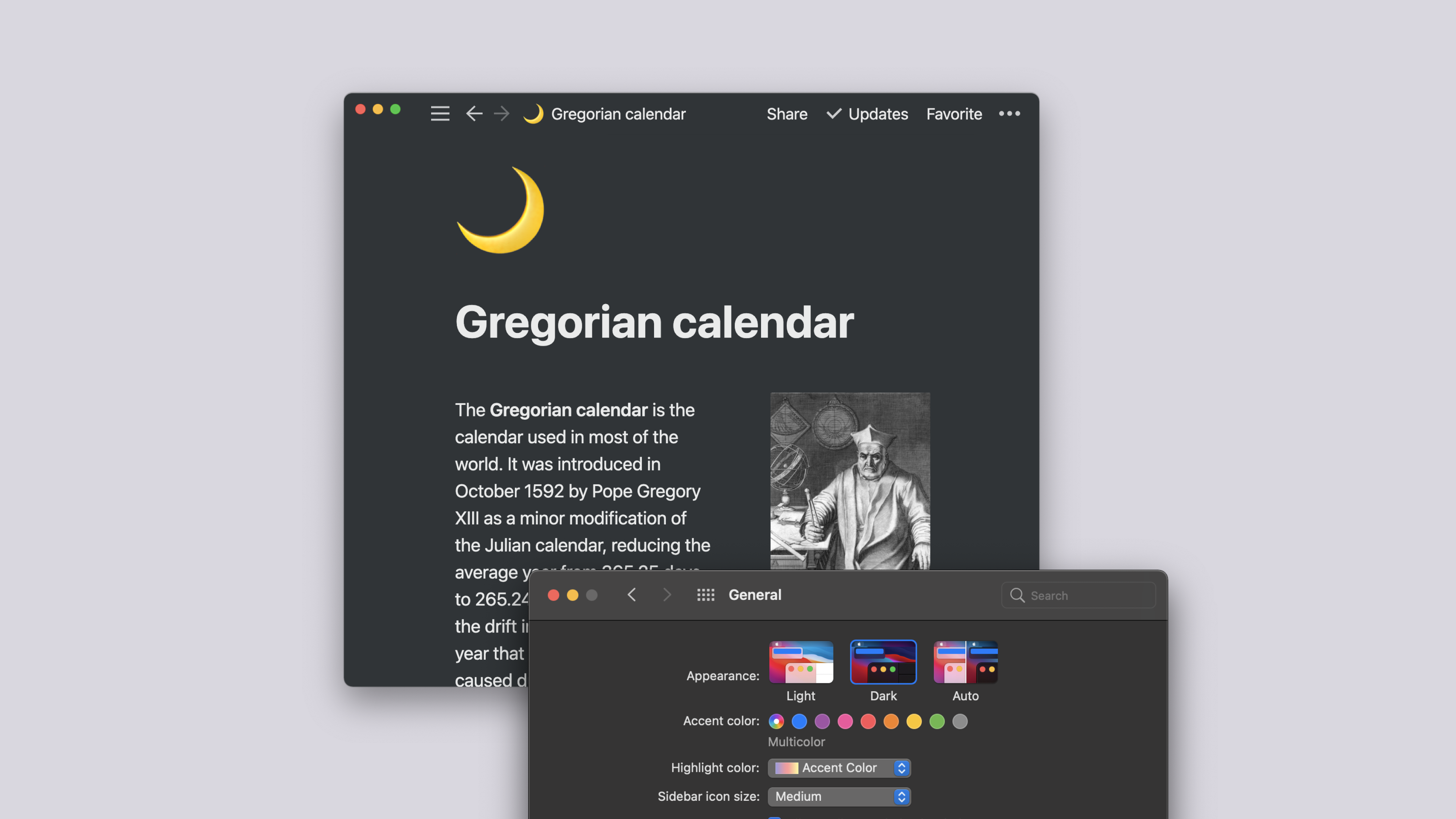
Looking to reduce eye fatigue? Want better contrast? Simply prefer an edgier look? Notion comes complete with dark mode 🌒
Go to
Settings & membersat the top of your left-hand sidebar.A new window will open. In its sidebar, click the tab labeled
My settings.Use the dropdown to switch between the following options:
Select
Use system settingto follow your system appearance setting.Select
Lightto display light mode.Select
Darkto display dark mode.
You can also turn dark mode on or off anytime with the shortcut:
cmd/ctrl+shift+L.
Open the sidebar by tapping the
•••in the top right-hand corner.Click on
Settingsand scroll to theAppearancesection.Use the dropdown to switch between the following options:
Select
Use system settingto follow your system appearance setting.Select
Lightto display light mode.Select
Darkto display dark mode.

Note: When you select dark mode, it applies to all workspaces you're signed into on your account. If you switch between them, they'll all be dark.